A request arrives by email. Its attachment goes into a shared folder. An approver asks a question in another message, and someone updates a spreadsheet to show that the request is still open. By Friday, three people have part of the story, but nobody can confidently say what happens next.
That is a useful place to start when reviewing an approval process. Before changing software, examine the points where information and responsibility move between people. A simple handoff checklist can help your operations and IT teams agree on what an improved workflow needs to do.
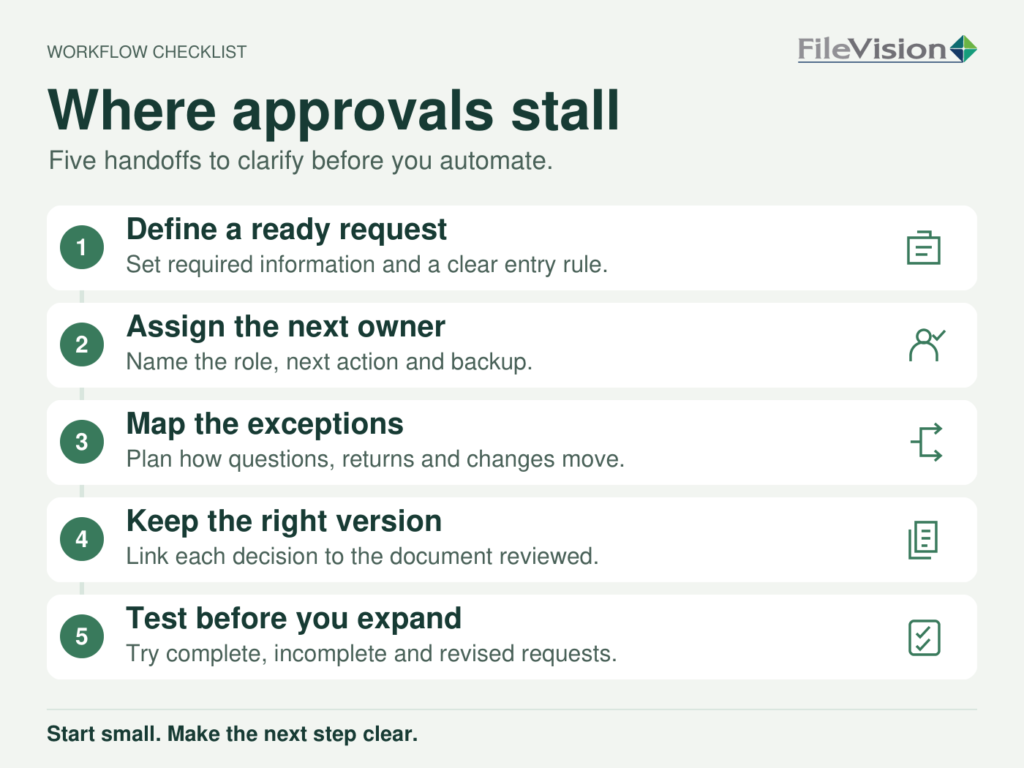
1. Define what makes a request ready
Choose one recurring process, such as an internal purchase request or a document review. List the information someone needs to make a decision: the request type, supporting documents, responsible department and any relevant dates.
Then separate required information from details that are merely helpful. If every missing detail sends a request back to the beginning, staff may spend more time chasing completeness than reviewing the work.
Write a clear entry rule: who checks the request, what they check and where an incomplete submission goes. Use recent examples to see whether that rule covers the work people actually receive.
2. Give every stage an owner and a next action
“With finance” or “awaiting review” leaves too much unanswered. Which person or role owns the next decision? What must they do before the request can move forward?
For each stage, record four things:
- The role responsible for the next action.
- The decision or work required.
- The information needed to complete it.
- The condition that moves the request to the next stage.
Include a backup route for absence or reassignment. A workflow that depends on one person’s inbox becomes difficult to manage when that person is unavailable.
3. Map the exceptions before they become email chains
A straightforward approval is only one possible outcome. Requests may need clarification, a different reviewer or a return to the submitter. Some may be withdrawn.
Take a few recently delayed requests and trace what happened. Where did the agreed process stop being useful? Which decisions happened outside it?
Define how each common exception should be recorded and assigned. Keep the original request and the reason for the change connected, so the next reviewer does not have to reconstruct the conversation.
4. Decide where the current documents belong
A reviewer needs to know which document they are being asked to approve. Identify where the working copy lives, how revisions are distinguished and how the final decision relates to the reviewed version.
Also decide what information should stay in an existing business system. Your workflow may need a reference number or status from that system rather than a second, manually maintained record.
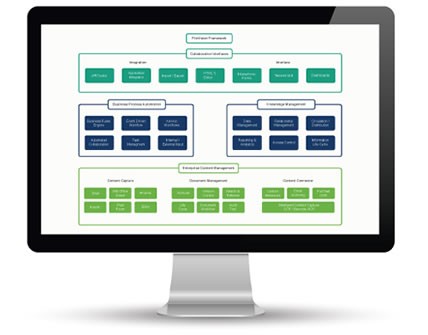
FileVision’s ALFO workflow and document management platform combines workflow, document management, dashboards and reporting, with an approach designed to work alongside legacy systems. The specific connections and configuration should be evaluated against the process you have mapped.
5. Test a small workflow with real-world cases
Before expanding a revised process, walk through a complete request, an incomplete one, a revision and an absent approver. Include the people who submit requests and the people who receive them.
Agree on a few practical measures: time waiting at each stage, requests returned for missing information and how often staff must ask for a status update. Record a baseline before the pilot, then compare the same measures afterward. Treat the results as evidence for what to adjust, rather than assuming automation has solved every delay.
Bring one troublesome handoff to the discussion
You do not need to map every process at once. Start with an approval that repeatedly creates follow-up work, and document where it stalls.
Explore FileVision’s document management and business process automation solutions with that example in hand. A clear picture of the owners, documents and exceptions gives your team a more useful starting point for deciding what to configure, connect or change.